AI Summaries
Overview
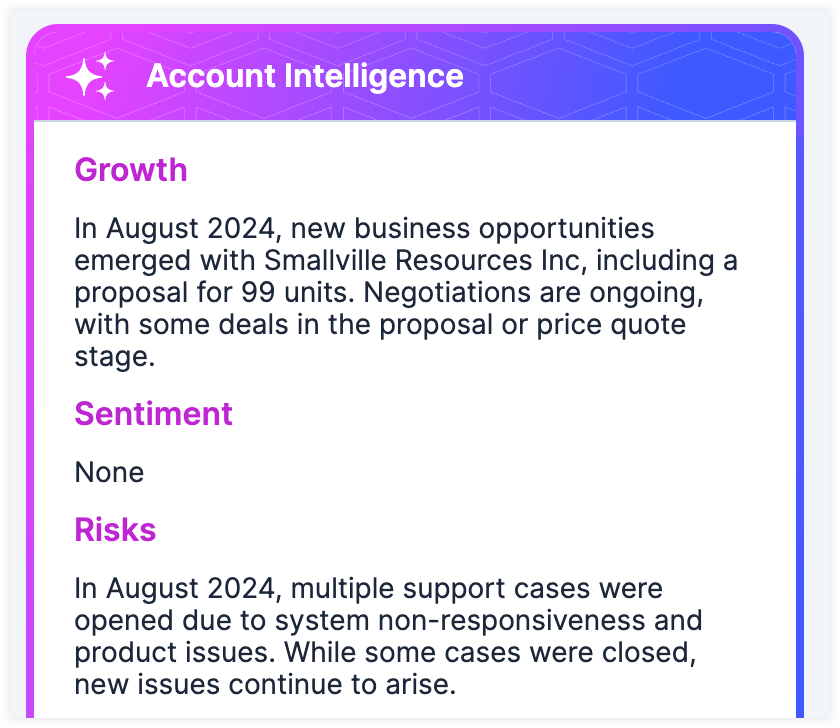
AI Summaries are concise and actionable summaries displayed via the AI Summary Dashlet for your Accounts, Opportunities, and Cases.
This guide covers using AI Summaries in SugarAI. For more information setting up AI features in Sugar, please refer to the AI administration guide.
Adding the AI Summary Dashlet
The AI Summary dashlet is added automatically to the default Account, Opportunity, and Case record view intelligence pane and focus drawer dashboards. If you are using a custom dashboard you will need to manually add the dashlet.
Using the AI Summary Dashlet
The AI Summary behavior and output will depend on what module it is being used for.
Accounts
Once the AI Summary dashlet is added to your Account dashboards, information is initially generated when you open an account record view. The first generation may take some time. All users who open the account record during the initial generation will receive a notification once it is complete. Information will automatically regenerate when new data is available.
When using AI features in Sugar, always verify important information. AI-generated responses may contain inaccuracies.
Analyzed Data
The dashlet analyzes both stock and custom text fields from the account record, as well as records modified within the last three years from specific related modules:
- Leads
- Cases
- Calls
- Meetings
- Tasks
- Notes
- Opportunties
- Revenue Line Items
- Purchased Line Items
- Quotes
- Emails from both the account record and related contact, opportunity, and case records*
*It is encouraged to always associate email records with your accounts, as this leads to more valuable generated intelligence. Please note that emails related to multiple account records, as well as those identified as "no-reply" or "do not respond", will be excluded from the analyzed data to help ensure the generated intelligence contains relevant information.
Dashlet Structure
The dashlet is divided into sections to help you quickly scan the generated information. If there is not enough data to generate a response for a particular section, it will display as "None".
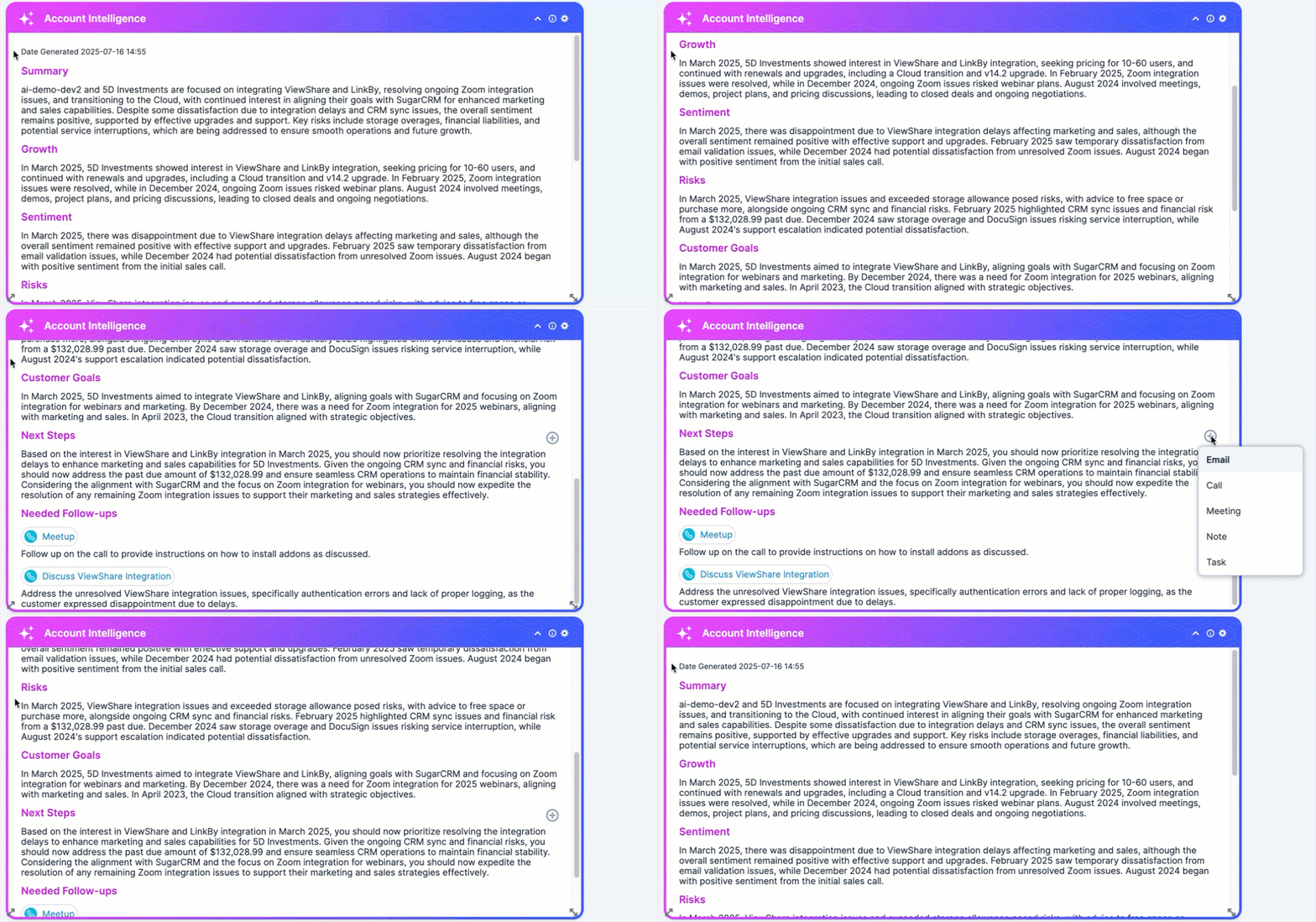
The dashlet includes the following sections:
- Summary: A concise summary of key information, communications, and interactions related to the account
- Growth: Insights into how the account has grown and potential areas of future growth
- Sentiment: The perceived sentiment of the account and the reasoning for this perception
- Risks: Identified risks that may impact the health of the account
- Customer Goals: Insight into the customer's goals with your product
- Next Steps: Suggested next steps based on account's current state and an action button for quickly creating a related email, call, meeting, note, or task with useful prefilled information
- Needed Follow-ups: Suggested follow-ups associated with related meeting, email, and call records and a direct link to the related record for quick context
- Engaged Contacts: Contacts related to the account or other associated records that have engaged with the highest number of emails, calls, and meetings
Opportunties and Cases
Once the AI Summary dashlet is added to your Opportunity and Case dashboards, information is generated when you open a Opportunity or Case record view. Information will automatically regenerate when new data is available. Every time information is generated it uses tokens, learn more about token usage in the AI Administration Guide.
When using AI features in Sugar, always verify important information. AI-generated responses may contain inaccuracies.
Summary Data
Summarization analyzes stock and custom text fields from the record and its related modules. Only related module records created within the last 90 days, up to 100 records per module, are analyzed. The specific related modules analyzed vary by record type:
| Opportunities |
|
| Cases |
|
Summary Structure
The summary is divided into sections to help you quickly scan the generated information. If there is not enough data to generate a response for a specific section, the section will display as "None".
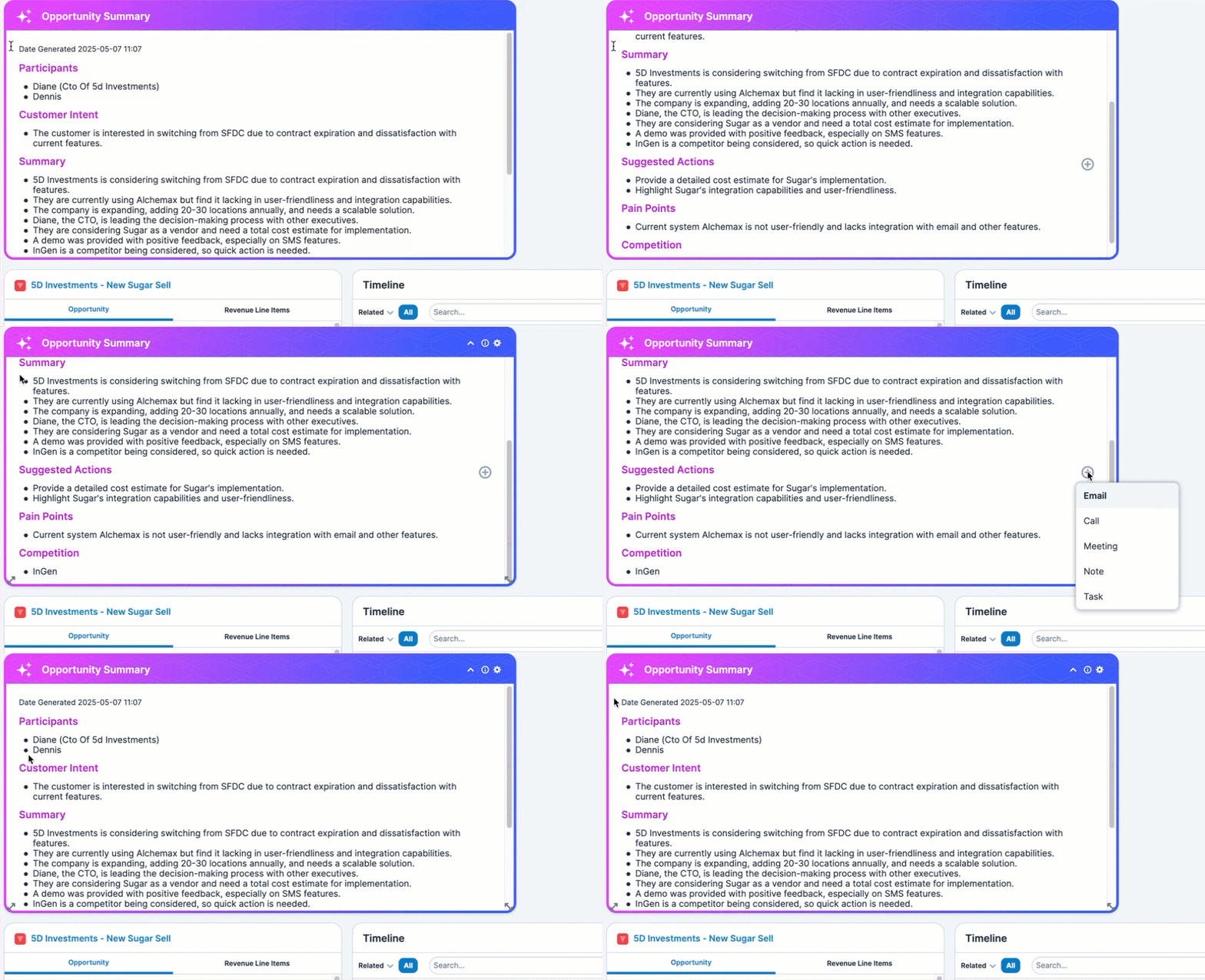
The sections for a summary are unique to each record type:
| Opportunities |
|
| Cases |
|
Translation
Information generated by the AI Summary dashlet can be translated into any of SugarAIs supported languages and will be displayed in your selected primary language.
Reporting on the AI Summary Dashlet
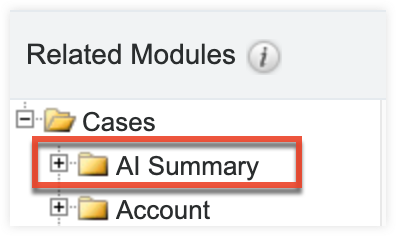
The information generated by the AI Summary dashlet can be used in custom reports. To filter by or display generated summaries on a report, select the Accounts, Opportunties, or Cases > AI Summary related module in the Report Wizard. For more information on creating reports in Sugar, please refer to the Reports guide.